

When trying to install VMware vCenter using a macOS device you get the above error. You could go to “Security & Privacy”and allow this for every single file or you could just disable the security feature during the installation.
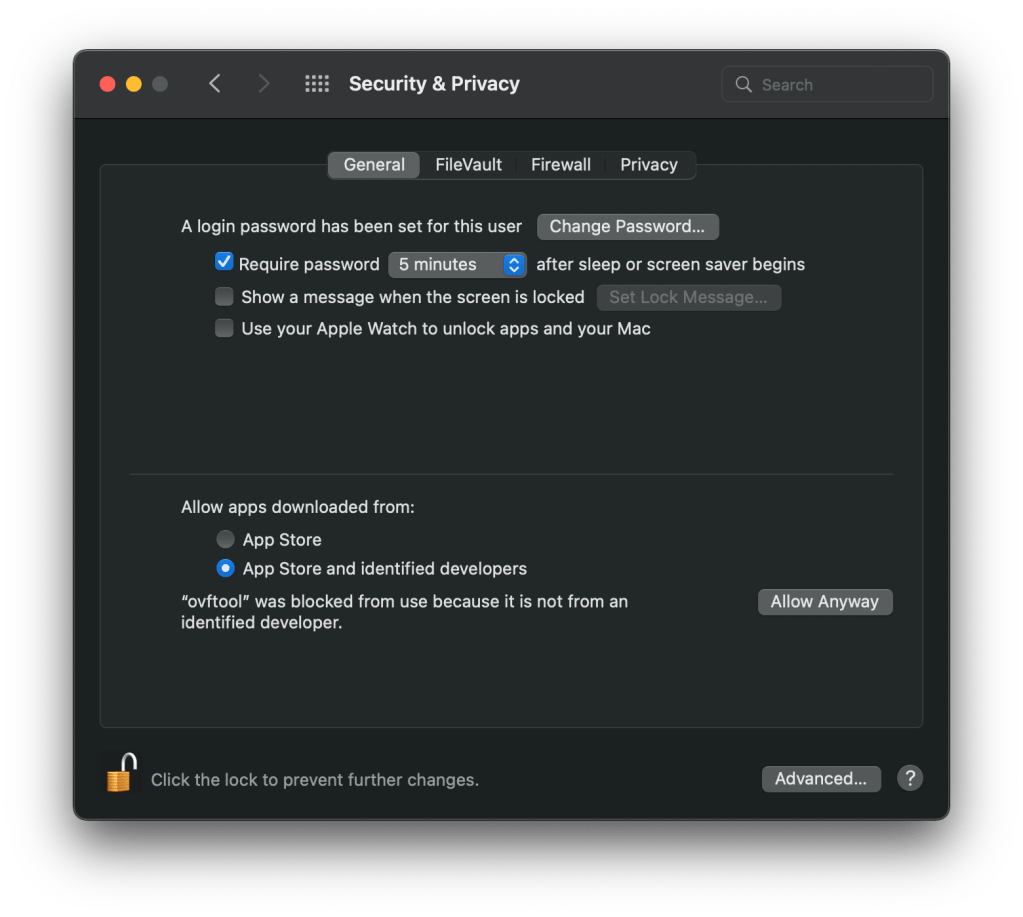
Before mounting the ISO open a terminal window and navigate to the folder where you downloaded the iso. Use the following commands to first disable the security feature and then remove the quarantine attribute from the ISO.
sudo spctl --master-disable
sudo xattr -r -d com.apple.quarantine ./VMware-VCSA-all-7.0.3-18700403.iso
Now mount the ISO and start the installer.
When you’re finished don’t forget to enable the security again.
sudo spctl --master-enable


 dewyser.net